Forms in.
Reports out.
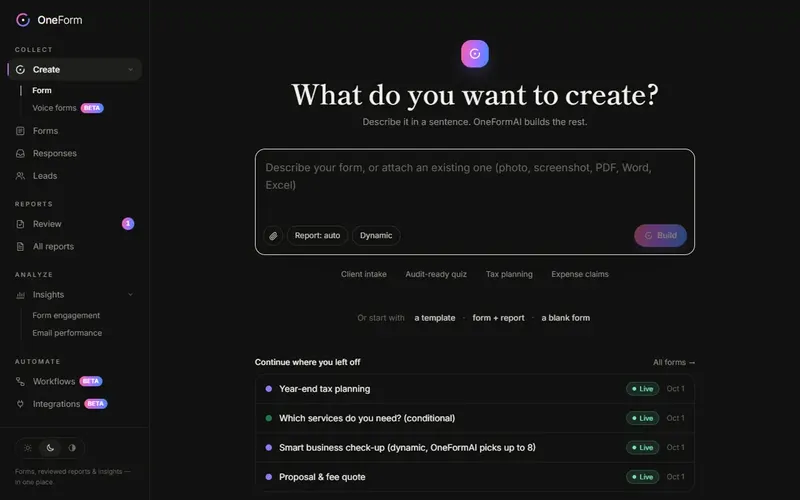
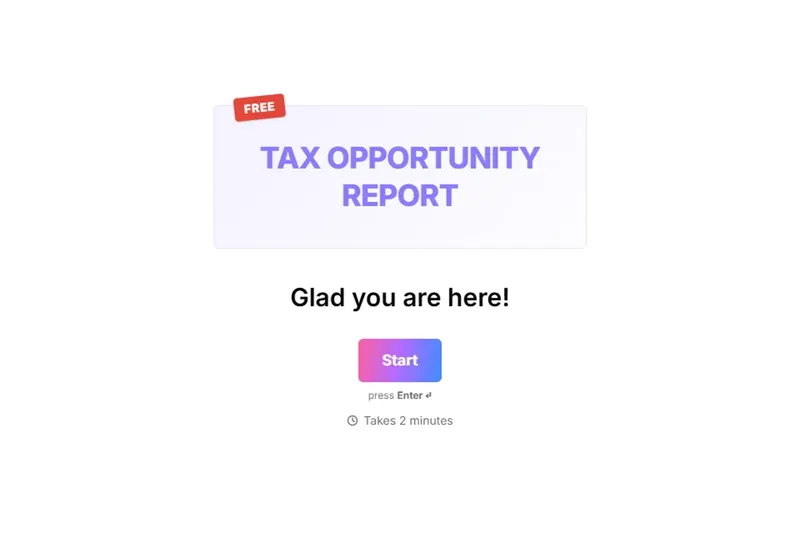
Describe your form and OneFormAI builds it. Every response becomes a client-ready report, reviewed by you. Built for accounting firms and financial advisors.
Connects to the tools you already use
 Slack
Slack Discord
 Google Sheets
 Google Drive
 HubSpot
 Pipedrive
 Salesforce
 Zoho CRM
 Stripe
 Calendly
 Cal.com
 Google appointments
 Microsoft Bookings
 Zapier
 Make
Make n8n
n8n Pipedream
 Power Automate
 Microsoft Teams
 Google Chat
From first answer to finished report
One place for the whole client questionnaire — collecting it, writing it up, and following through.
Ask the right questions, typed or spoken
- 01One form, two ways to answer: tap through it or just talk
- 02Logic that skips, branches, scores and calculates
- 03Share a link or embed it on your site in one paste
Less admin. More advice.
Voice forms
People talk. OneFormAI fills in the answers and follows your logic.
Sell the report
Charge for the report on the thank-you screen, paid through Stripe.
Reviewed, never raw
Nothing reaches a client until someone on your team approves it.
Lead scoring
Fit plus intent, so the people ready to talk rise to the top.
One-click integrations
Sign in and connect. No API keys to find and paste.
Book the call
Your booking calendar at the end of the form, already filled in.
Questions, answered.
What is OneForm?
OneForm is an AI form builder for accounting firms, financial advisors and professional practices that turns every form response into a reviewed, client-ready report — with paid reports, booking and lead scoring built in.
When can I start using OneForm?
OneForm is opening to firms in waves. Join the waitlist with your work email and we'll let you know as soon as it's your turn.
How does OneForm turn a form into a report?
Each response goes to OneFormAI with your instructions. It drafts the report or document, someone on your team edits and approves it, and OneForm emails it to the client as a branded PDF — straight away or on a schedule.
Who is OneForm for?
Accounting and tax firms, bookkeepers, financial advisors and other professional practices that run on client questionnaires: intake, tax organizers, planning, proposals and engagement letters.
Can I build a form from a PDF or a screenshot?
Yes. Attach a PDF, photo, screenshot, Word, Excel or PowerPoint file and OneFormAI turns it into an editable form, including choices and logic.
Can clients pay for their report or book a call?
Yes. Put a price on the report and clients pay with Stripe on the thank-you screen; you keep the full price, minus Stripe's processing fee. You can also show your Calendly, Cal.com, Microsoft Bookings or other booking page there, with their details filled in.
Is OneForm a Typeform alternative?
Yes. OneForm shows one question at a time, with logic, scoring, themes and embeds — and it's built for firms, so every response also becomes a reviewed, client-ready report.
From form to finished report, automatically.
OneForm is opening to firms in waves. Join the waitlist and we'll tell you when it's your turn.